> ## Documentation Index
> Fetch the complete documentation index at: https://docs.scale3labs.com/llms.txt
> Use this file to discover all available pages before exploring further.
# Linking a node
Running your node on Kubernetes? Follow instead these steps instead.
1. Go to [scale3labs.com](http://scale3labs.com) and sign in to your account.
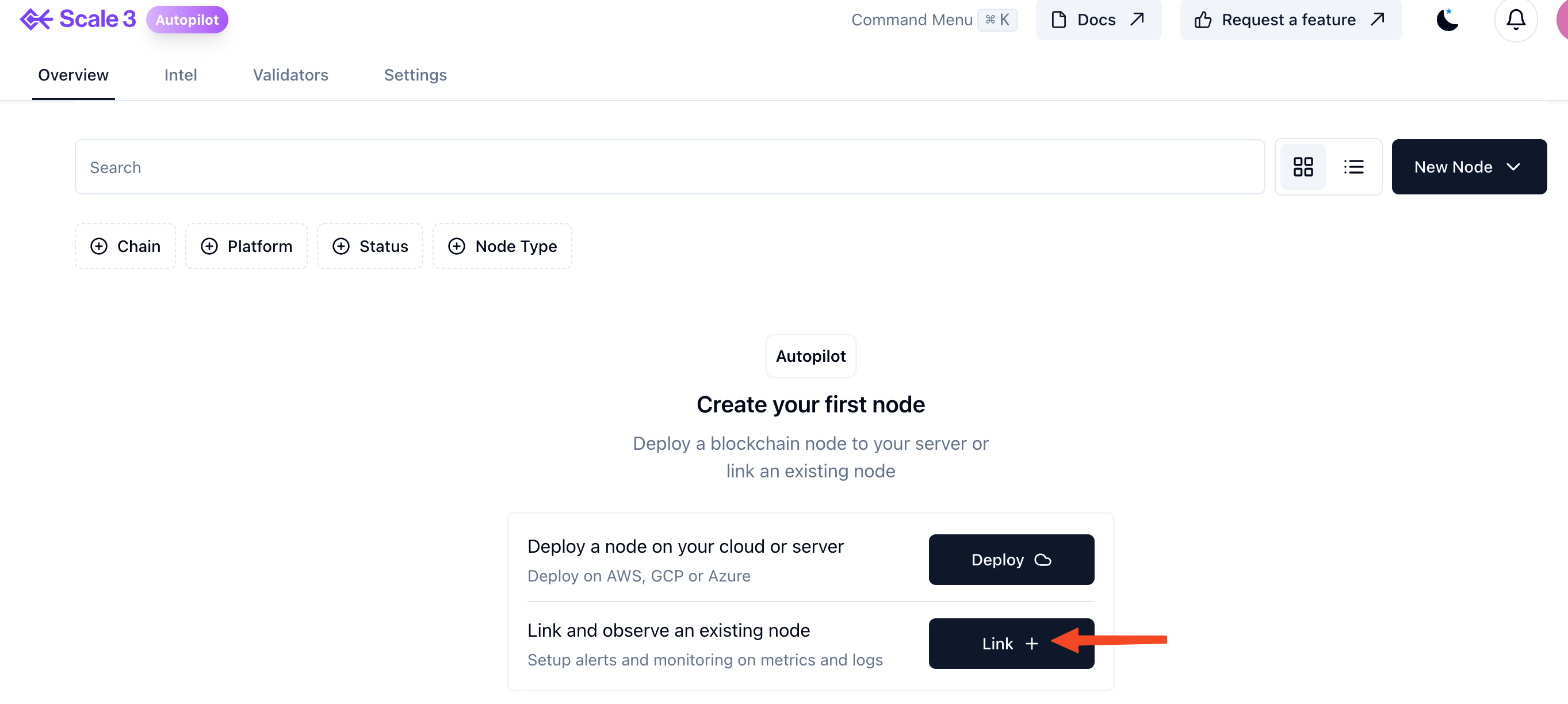
2. Click on New Node, then Link +
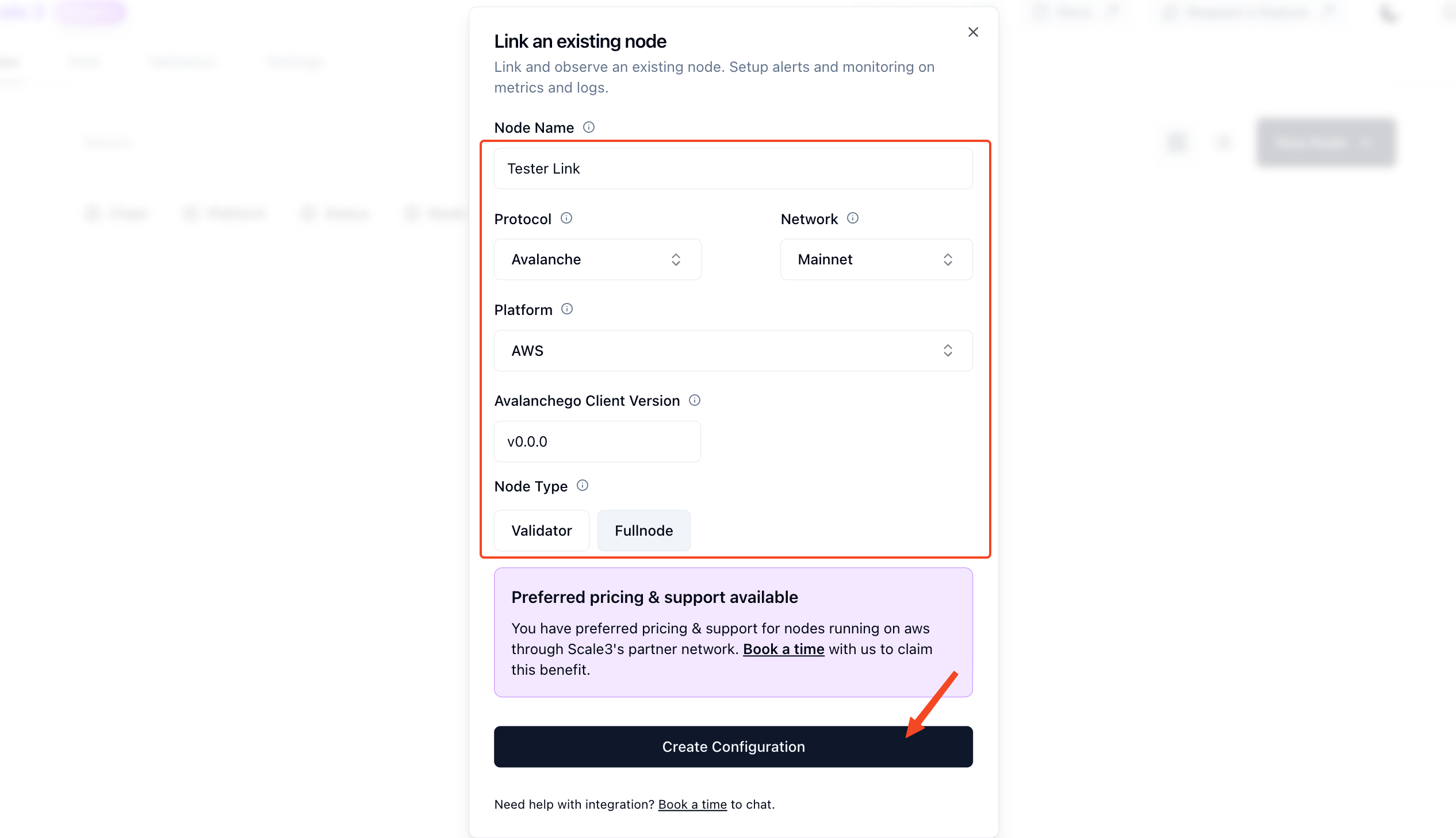
 3. Enter the following information and click “Create Configuration” at the bottom
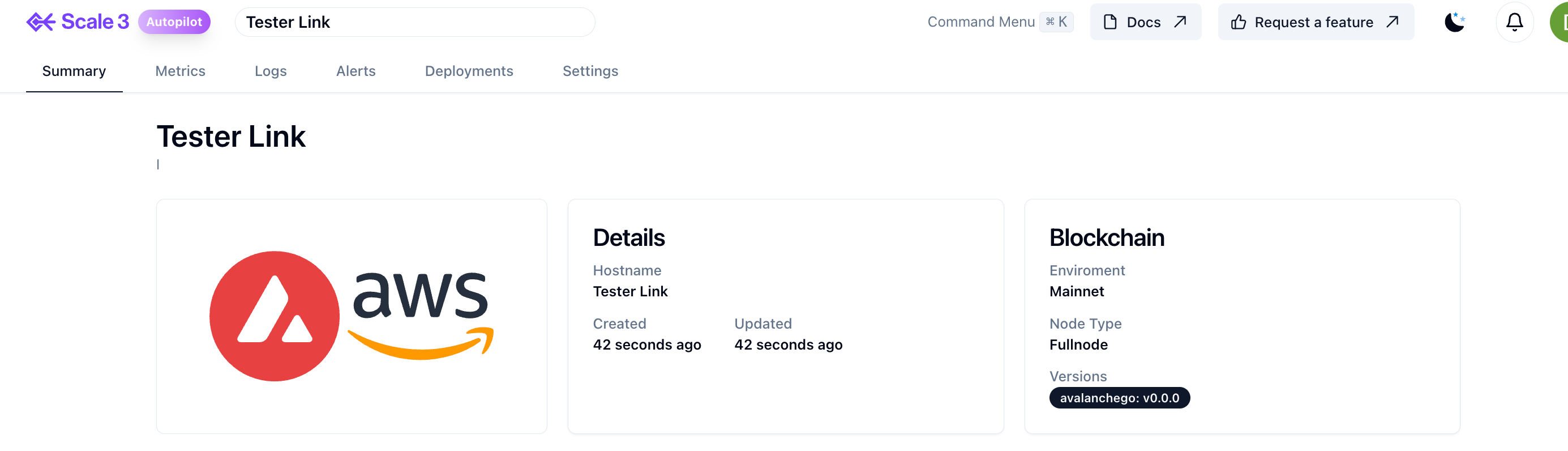
 4. You will be redirected to the home page with the Deployed Link. Click it for more information.