> ## Documentation Index
> Fetch the complete documentation index at: https://docs.scale3labs.com/llms.txt
> Use this file to discover all available pages before exploring further.
# Node health
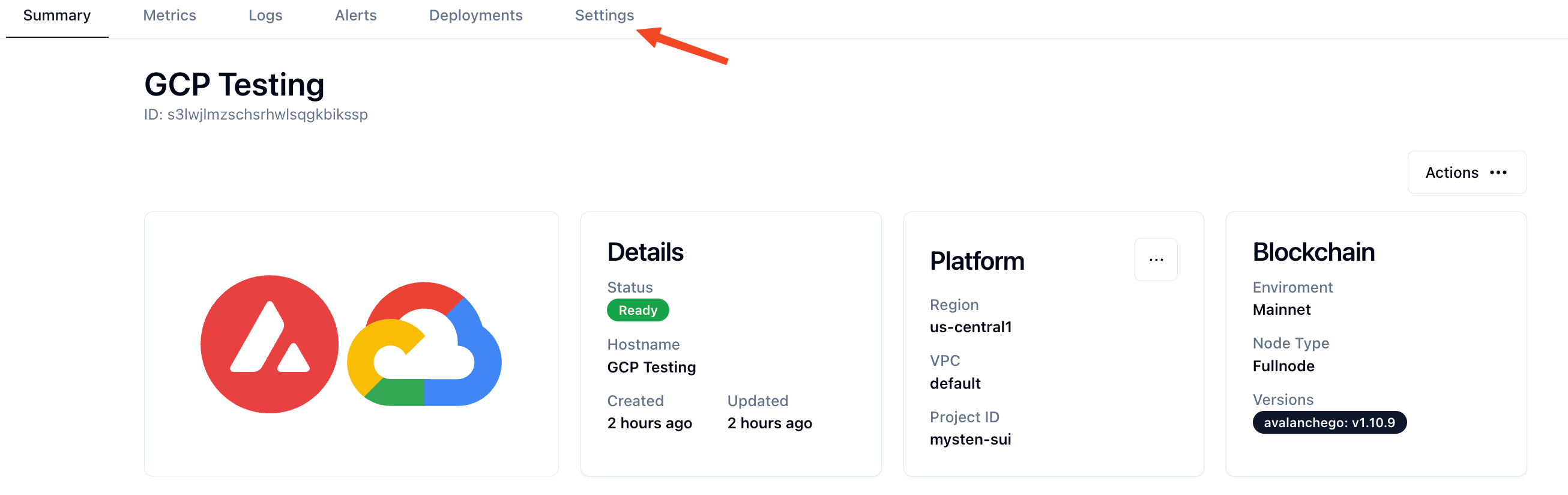
1. Click on a deployed Node. Then go to the **Settings** tab.
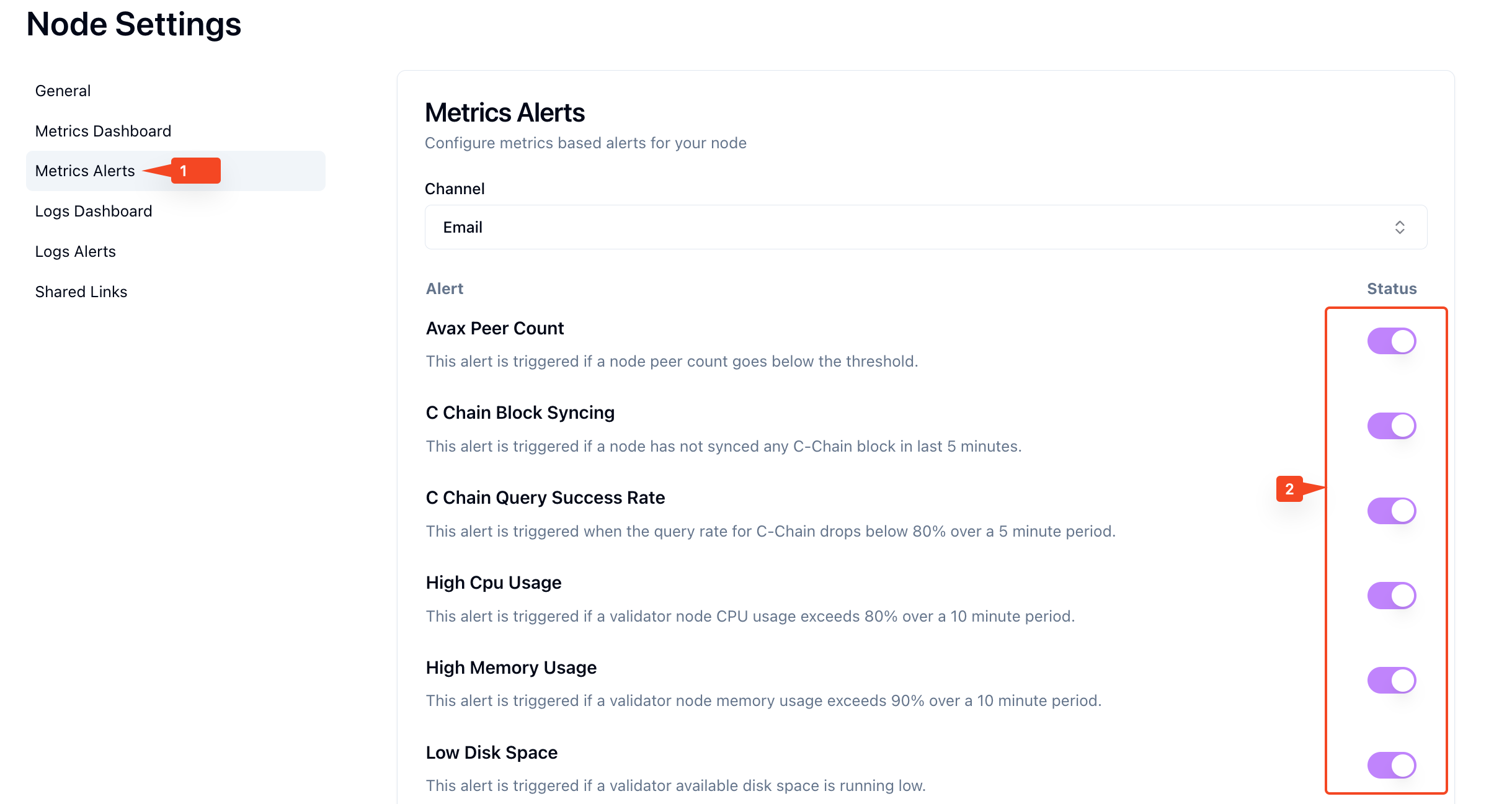
 2. Click on **Metric Alerts** on the left tab.
3. Add alert channels if not configured already. See the **[Alert Channels](https://scale3labs.com/docs/channels/introduction)** section on how to manage alert channels. Once your channels are added successfully, you will see **Channel** in the status column.
4. Finally, select the alerts you want to subscribe to by clicking the circles.
2. Click on **Metric Alerts** on the left tab.
3. Add alert channels if not configured already. See the **[Alert Channels](https://scale3labs.com/docs/channels/introduction)** section on how to manage alert channels. Once your channels are added successfully, you will see **Channel** in the status column.
4. Finally, select the alerts you want to subscribe to by clicking the circles.